Excel to Tally Import for Month-End Accounting
Manage month-end Excel records with a clear preparation and review process. Learn what to check before importing into Tally and how to verify the results.
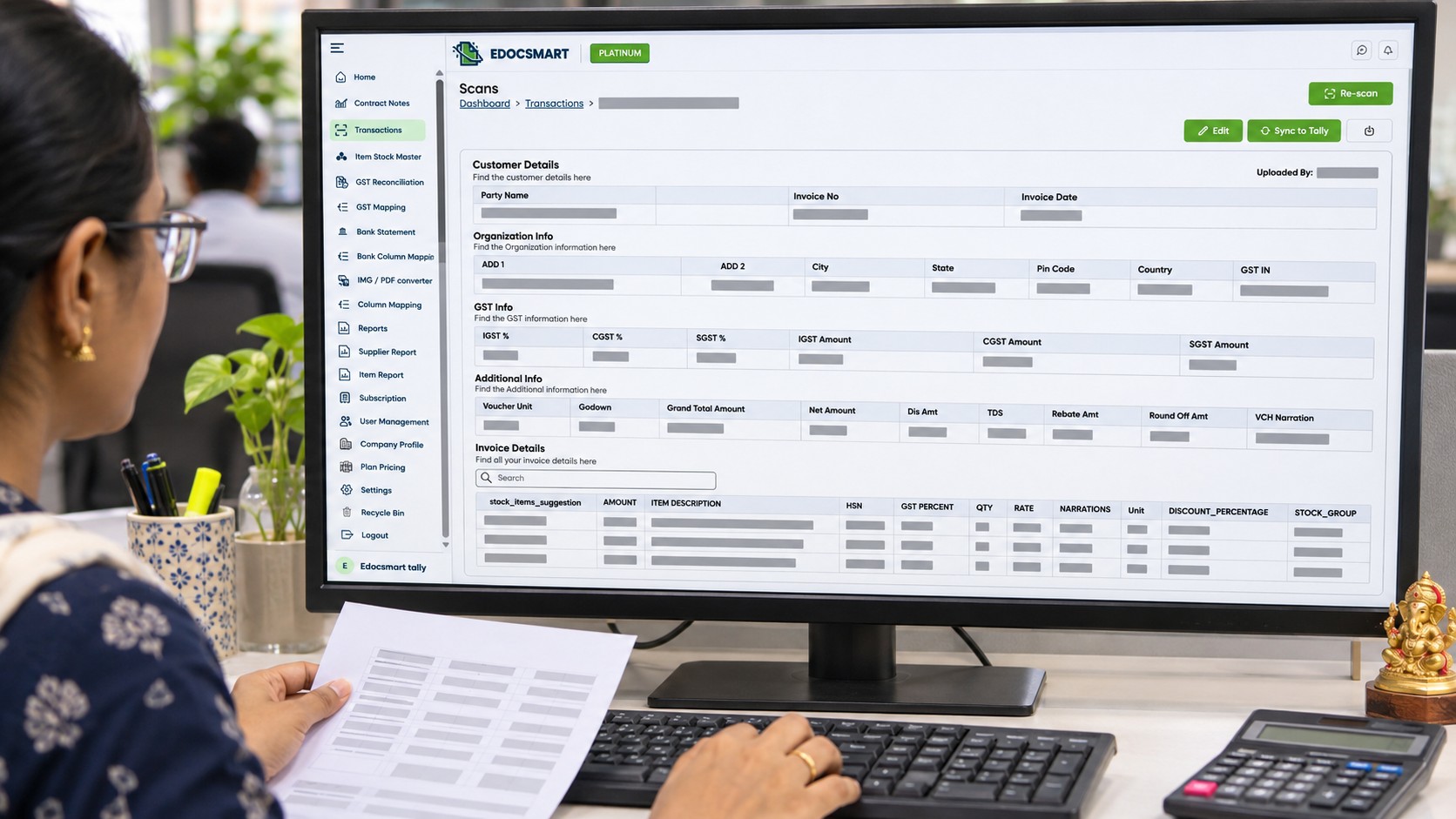
Month-end often brings several Excel reports to the accounting team at once. Sales, purchases, and expenses need to be entered into Tally while the team also checks missing invoices and differences in totals.
Excel to Tally import can reduce repeated typing. To make it useful, the records should be prepared and reviewed before transfer.
Use the Final Excel Report
Confirm that you are working with the latest approved file. An updated report may contain new invoices, corrections, and transactions already entered in Tally.
Keep the original excel and prepare a working copy. Organise files by company, month, and transaction type so they are easier to track.
Identify Records That Need Importing
Compare the excel with existing entries before preparing a new batch.
Separate new transactions from records already entered. Corrected invoices need checking against their existing vouchers before further action.
A repeated invoice number does not always mean a duplicate. Several item rows may belong to one invoice, so compare the party, date, amount, and supporting document.
Check Mapping and Amounts
Review the columns used for invoice references, dates, parties, items, and amounts.
For Excel to Tally mapping, check what the values actually represent. An item amount and a complete invoice total should not be treated as the same field.
Also review discounts, applicable tax values, charges, and round-off adjustments. Confirm that repeated invoice totals are not counted more than once.
Import a Sample and Review the Results
Maintain a current company backup and begin with a small sample. Check the resulting vouchers in Tally before continuing with the remaining records.
Review references, dates, parties, ledger allocations, item details, and totals. Keep track of submitted and completed records.
If a transfer finishes only partly, identify which entries reached Tally before retrying. Avoid submitting the complete file again without checking.
Compare Totals Before Closing the Month
After import, compare relevant transaction counts and totals between Excel and Tally for the same company and period.
Excel rows may not equal Tally vouchers because one invoice can contain several item rows. Investigate unexplained differences and keep unresolved records separate for follow-up.
Frequently Asked Questions
Can I import an updated monthly report again?
Check it against existing entries first. Import only the records that require action, using the appropriate correction process where needed.
What if the totals do not match?
Review missing records, amount mapping, repeated totals, discounts, charges, and rounding adjustments.
Does importing complete month-end accounting?
No. Imported entries still need review, and the relevant balances and outstanding differences need reconciliation.
Conclusion
A clear Excel to Tally import routine helps the accounting team manage month-end records with less repeated entry. Use the final files, check the prepared data, and verify the results before closing the period.
Excel to Tally Software supports preparing compatible Excel data, reviewing records, and transferring approved entries to Tally.