How to Manage Accounting and Invoicing in One Software
Learn how to manage accounting and invoicing in one software, reduce repeated data entry, track payments, and keep business records organised.
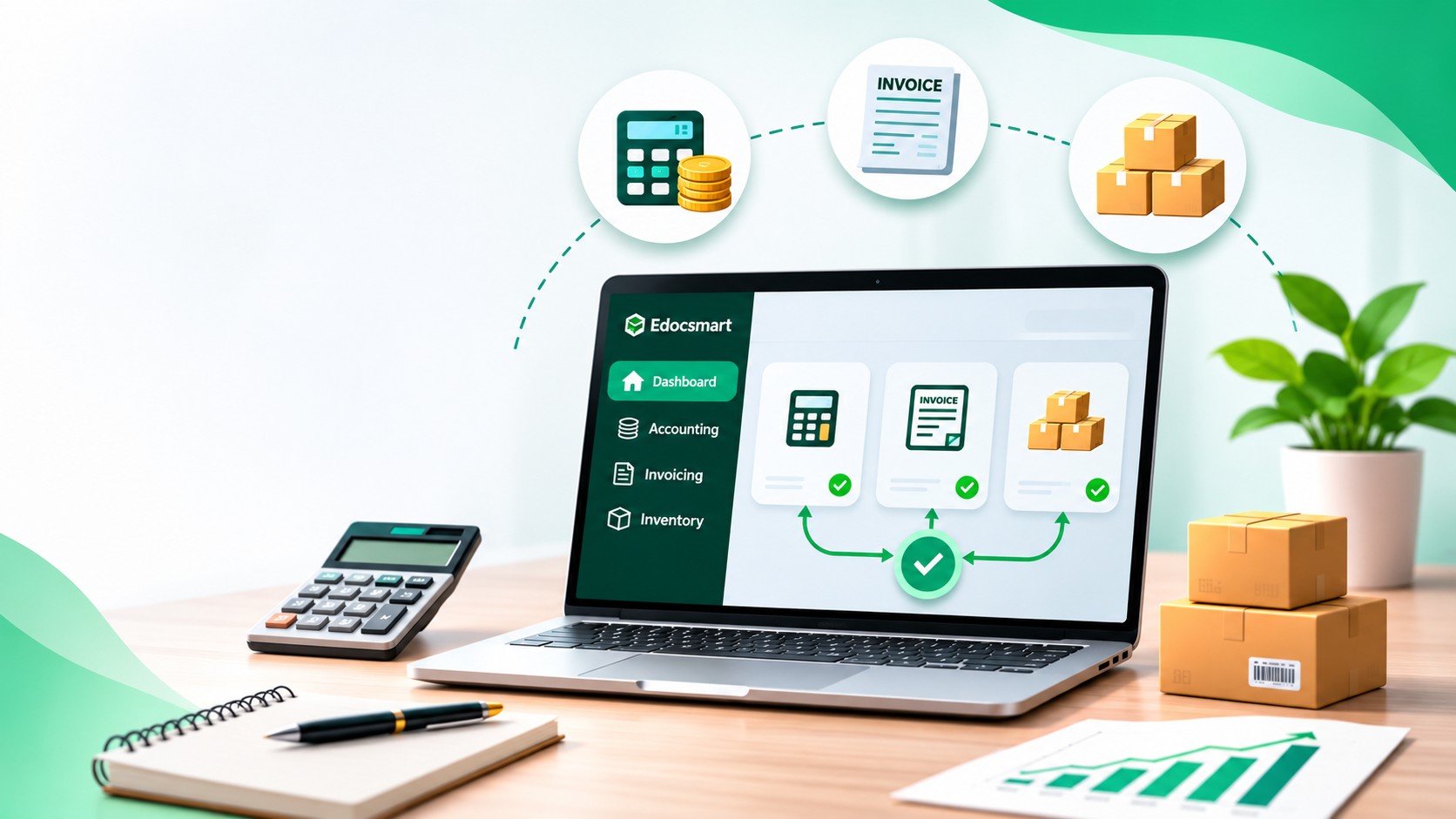
Accounting, invoicing and inventory in one software for smoother business operation. Accounting, invoicing, and inventory are closely connected parts of a business. A sale create an invoice, affects the customer's balance, and may reduce the quantity of goods available. A purchase adds a supplier liablity or payment and may bring new stock into the business.
When these activities are maintained separately, employees often enter the same information more than once. One team updates the bill, another records the accounting entry, and someone else adjusts the stock register.
Using software that connects these functions can reduce repeated work and make records easier to follow. The starting point is a clear setup and a consistent process for recording transactions.
Understand How the Three Functions Work Together
Each function serves a different purpose, even when they share transaction information.
| Function | What it manages |
|---|---|
| Accounting | Income, expenses, receivables, payables, cash, and bank transactions |
| Invoicing | Bills containing customer, item, price, discount, and applicable tax details |
| Inventory | Stock quantities, receipts, issues, locations, and related values |
In a connected system, a properly recorded transaction can update the relevant records together. The exact effect depends on the transaction type, configuration, and whether the business records billing and goods movement at the same time.
Step 1: Set Up the Business Information
Begin with the correct company details, accounting period, and relevant business settings.
Decide which functions the business needs. A service business may require accounting and invoicing with limited inventory use. A trader may need item quantities, units, stock locations, and purchase tracking.
Choose settings according to the actual workflow. Enabling features without understanding how they will be used can make daily entry more confusing.
Step 2: Create Customer, Supplier, and Item Records
Prepare the master records that transactions will use.
For customers and suppliers, check names, contact details, account references, and applicable registration information. Avoid creating another account simply because an existing name uses a different abbreviation.
For stock items, define clear descriptions, units, and relevant classifications. Where the business uses boxes, pieces, kilograms, or other units, confirm how they relate.
Consistent master records help billing, accounting, and inventory refer to the same parties and products.
Step 3: Enter Opening Balances and Stock
Before regular transactions begin, confirm the starting position.
Accounting opening balances may include customer outstanding amounts, supplier dues, and cash or bank balances. Inventory opening information may include item quantities and the values required by the selected system.
Check these figures against the approved previous records. Incorrect opening information can create differences even when later transactions are entered correctly.
If moving from another system, establish a clear cut-off date so that transactions are not included in both opening figures and new entries.
Step 4: Record Sales and Purchases Consistently
Use the appropriate transaction process for sales and purchases.
For a sale of goods, check the customer, invoice reference, date, items, quantities, rates, discounts, and applicable taxes. Confirm when the goods leave stock and how that movement is linked to the invoice.
Purchases need similar attention. Review the supplier, purchased items, quantities, charges, and accounting allocations.
Some businesses receive goods before the supplier’s bill arrives or deliver goods before invoicing. Where this happens, use the supported receipt or delivery process and connect the later documents appropriately.
The aim is to record each business event once through the correct workflow.
Step 5: Record Payments, Returns, and Adjustments
Creating an invoice does not necessarily mean that payment has been received.
Record customer receipts and supplier payments separately where required, and allocate them to the relevant outstanding documents.
Returns also need to reflect what happened. A sales return may affect the customer balance and stock received back. A purchase return may affect supplier dues and goods sent out.
Damaged goods, shortages, and stock-count differences may require separate adjustments. Review these changes before posting them.
A Simple Example
Suppose a business has 50 units of an item and sells 5 units at ₹200 each, before applicable taxes or adjustments.
For a credit sale where invoicing and delivery happen together:
| Record | Expected effect |
|---|---|
| Invoice | Records the sale of 5 units for ₹1,000 |
| Customer account | Records the amount receivable |
| Inventory | Reduces available quantity from 50 to 45 units |
When the customer pays, the receipt reduces the outstanding balance and increases the relevant cash or bank balance. It should not reduce stock again.
This distinction helps prevent payment activity from being confused with sales or inventory movement.
Step 6: Review Reports Regularly
Connected records are useful only when the underlying entries are correct.
Review sales and purchase reports, customer and supplier outstanding balances, and stock summaries. Compare physical stock with recorded quantities and investigate differences.
Check unusual balances, missing transactions, and unexpected stock movements. Where a problem affects several entries, inspect the shared item, ledger, or configuration before correcting records individually.
Benefits and Practical Limits
Managing these functions together can reduce repeated entry and make it easier to trace a transaction from its invoice to its accounting and stock effects.
However, software still depends on correct information. Wrong units, opening balances, account selections, or transaction dates can affect several reports.
Before choosing a system, check whether it supports the business’s billing, inventory, reporting, access, backup, and import requirements. Test representative transactions rather than relying only on a feature list.
Frequently Asked Questions
Can one software manage accounting, invoicing, and inventory?
Yes, when it provides connected functions suitable for the business’s requirements.
Does every invoice affect stock?
No. Service invoices and other transactions without stock items may have no inventory effect.
Does creating an invoice record the payment too?
Not always. Credit invoices usually need a separate receipt or payment entry.
Is physical stock checking still necessary?
Yes. Physical counts help identify differences caused by missing entries, damage, loss, or other issues.
Can existing Excel data be used?
It depends on the software’s supported import formats and mapping options. Review a sample before importing the full file.
Conclusion
Managing accounting, invoicing, and inventory in one software works best with consistent master records, correct opening figures, and a clear transaction process. Regular review helps confirm that financial balances and stock records reflect the business’s actual activity.
For businesses preparing existing Excel records for accounting entry, explore Edocsmart Excel to Tally Software for the data preparation, review, and transfer workflow.